Your logo is probably the first thing a stranger sees before they read a single word you’ve written. And if that logo looks like it was slapped together in Microsoft Paint, or worse, if there’s no logo at all and your profile picture is still the default gray silhouette, you’ve already lost the sale before you made your pitch. This is fixable in an afternoon, for free or close to it, and it’s one of the highest-leverage moves a broke beginner can make.
Why your logo is costing you sales right now
People buy from businesses they trust, and trust gets built in seconds, not paragraphs. A visitor lands on your site or your social page, and their brain makes a snap judgment about whether you’re legitimate before they read your headline. No logo, a stretched-out phone photo, or mismatched fonts everywhere tells that visitor one thing: this is a side project, not a business.
You might be running real traffic, writing real content, and offering something genuinely useful, and still losing buyers simply because nothing on your page signals “this is a company worth paying.” A logo is shorthand for credibility. It says someone put thought into this, someone is going to be here tomorrow, someone takes this seriously enough that you should too.
The brutal part is that fixing this costs almost nothing. It’s not a traffic problem or an offer problem. It’s a five-minute design problem that beginners let sit for months because it feels like a “later” task. It’s not later. It’s today.
What a logo actually needs to do for a beginner brand
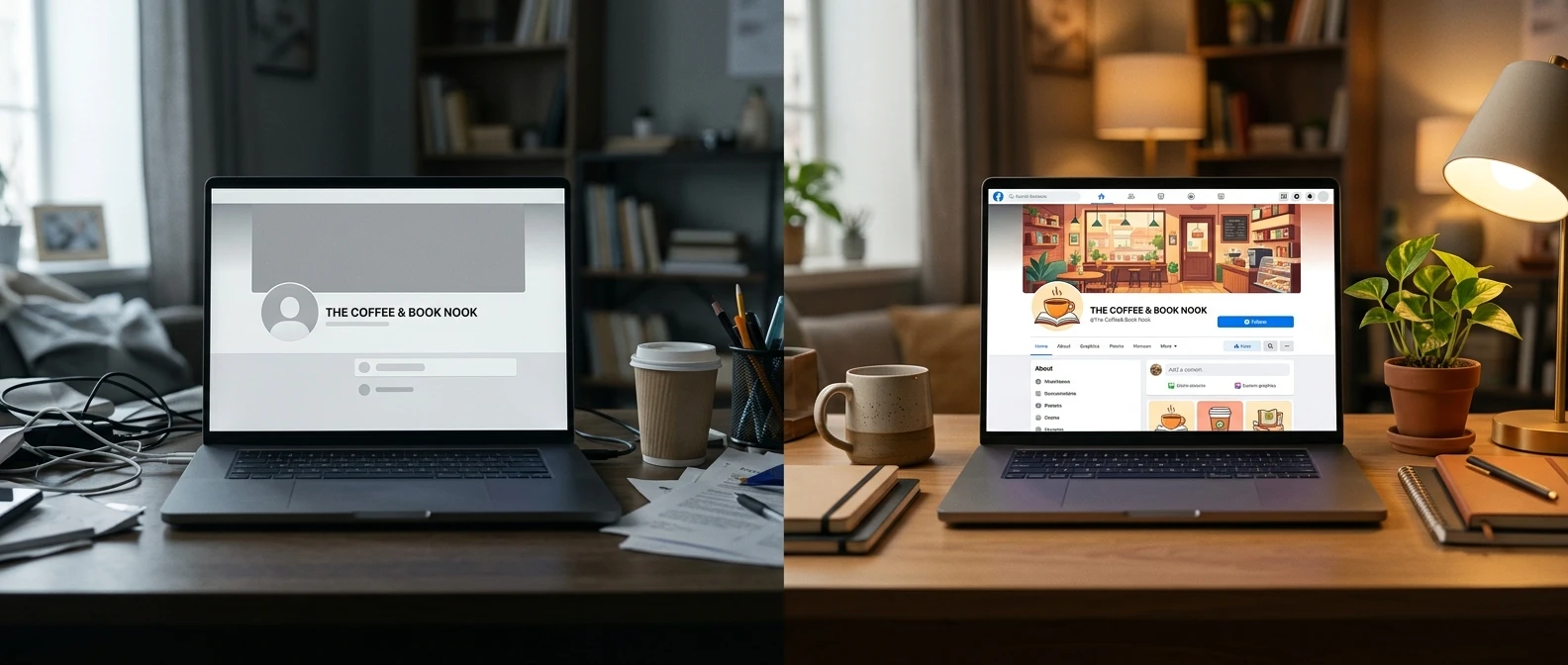
Forget art school. Your logo does not need to be a masterpiece, and it does not need to tell a visual story about your life mission. It needs to do three jobs, and that’s it.
- Be recognizable. A visitor should be able to glance at it and remember it five minutes later.
- Be readable. Your business name or initials should be legible at the size of a tiny app icon, not just on a giant screen.
- Match your niche. A finance brand shouldn’t look like a kids’ birthday party, and a side hustle blog shouldn’t look like a law firm.
That’s the entire job description. You are not designing a logo to win an award. You’re designing a stamp that says “real business” every time it shows up, whether that’s on your website header, your Facebook page, or the thumbnail of your YouTube video. Simple nearly always beats clever. A clean wordmark in a solid color will outperform a busy, over-designed graphic every single time, because it does its job faster.
The fastest free tools to design your own logo today
You do not need Photoshop, you do not need to hire anyone, and you do not need design experience. Here’s what actually works for a beginner with zero skills and zero budget:
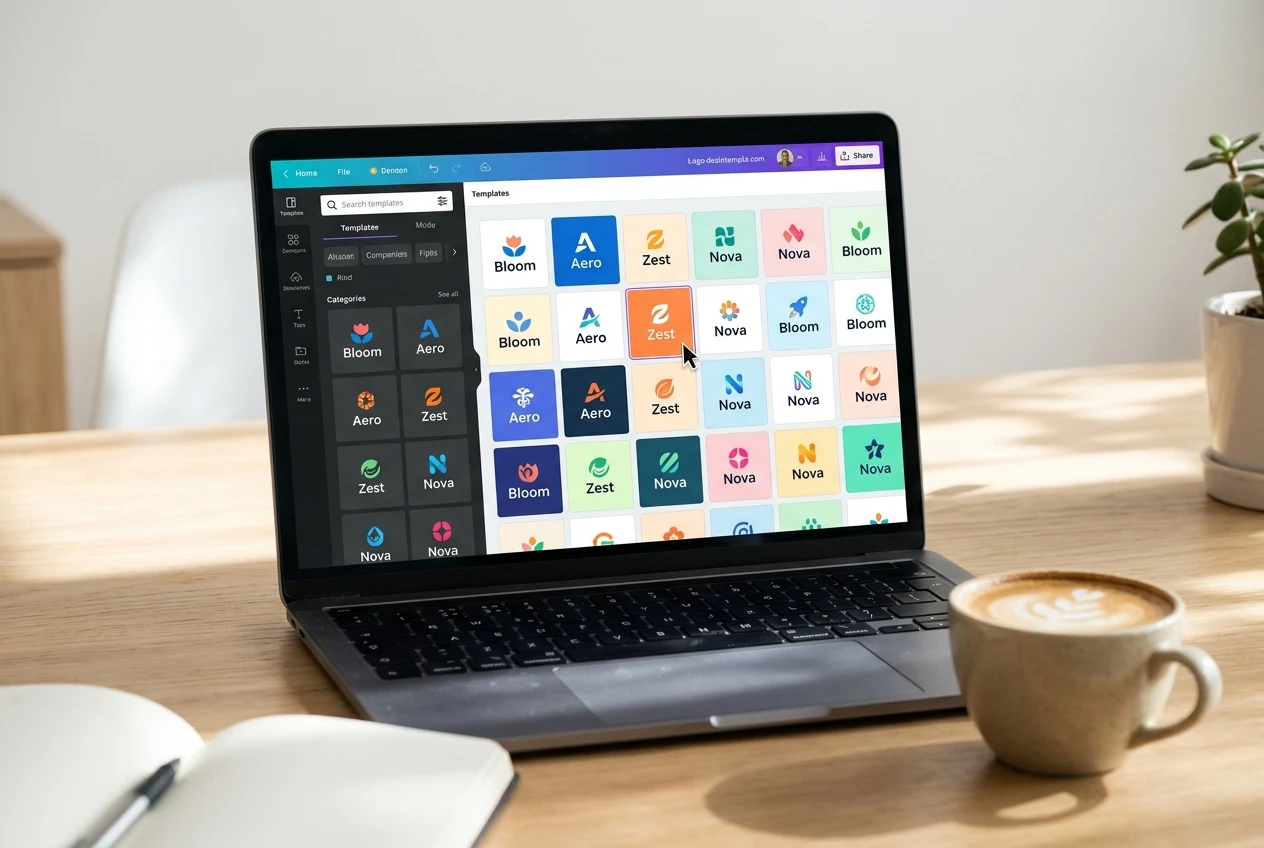
- Canva is the fastest starting point. Search “logo” in the template bar, pick a style that fits your niche, swap in your business name, and adjust the colors. Most people can have three or four usable options in under twenty minutes.
- Looka and similar AI logo generators ask you a handful of questions about your business and spit out dozens of logo concepts built around your name and industry. The free previews are often good enough to use as-is, or as a starting point you refine in Canva.
- Adobe Express has a free logo maker with simple drag-and-drop editing if you want a bit more manual control than an AI generator gives you.
Pick one tool, not three. The goal today is a finished logo, not a research project. If you’ve already been using AI tools to speed up other parts of your business, you’ll recognize the pattern here: let the software handle the heavy lifting, and spend your time on the decisions that actually matter, like your name and your colors. If you want to see what else AI can take off your plate as you build this out, the roundup of AI-powered content creation tools is worth a look once your branding is squared away.
When it’s worth paying a few dollars instead of DIY-ing it
Free tools will get most beginners 90% of the way there, and for a side hustle that hasn’t made its first dollar yet, 90% is plenty. But there are a couple of situations where spending a small amount of money makes sense.
If you’ve tried three or four templates and nothing feels right, a freelance designer on a marketplace can usually turn around a handful of custom concepts for a modest fee, and you’ll save hours of frustration. The same goes if your niche has a very specific visual language, like crypto, fitness, or luxury goods, where a generic template logo will visibly stand out as generic to anyone who’s spent time in that space.
The rule of thumb: if you’re going back and forth for more than an hour and still don’t have something you’d be proud to put on a business card, that hour is worth more than the few dollars a freelancer would charge. Don’t let perfectionism turn a one-afternoon task into a one-month task.
5 beginner logo mistakes that make a brand look untrustworthy
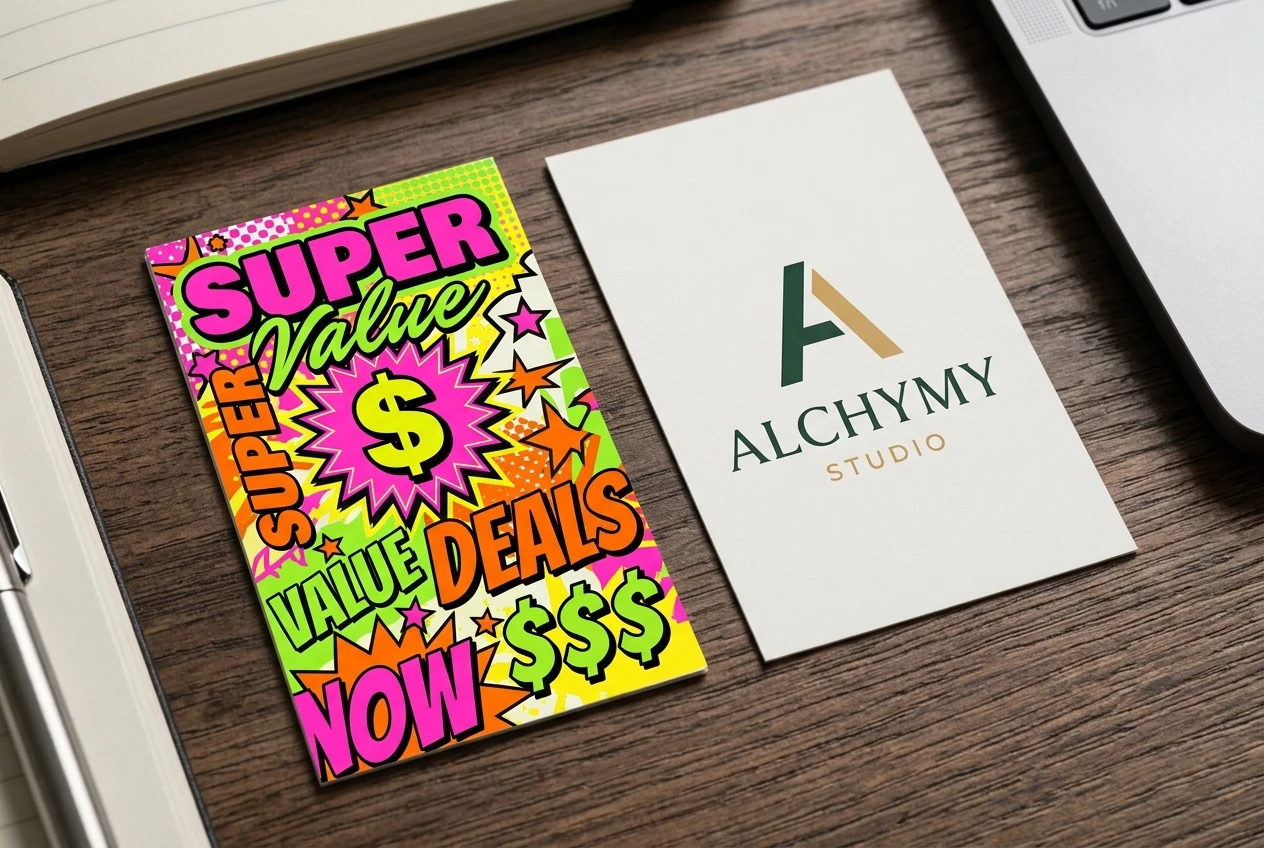
These are the mistakes that quietly tank credibility, and every one of them is avoidable.
- Too many fonts. One or two fonts, maximum. Mixing five different styles reads as amateur instantly.
- Colors that clash or feel random. Pick two or three colors that work together and stick to them everywhere, not just in the logo.
- Overly literal icons. A dollar sign on a make-money-online logo, a stack of books on an education logo. It’s the first idea everyone has, which means it’s the least memorable.
- Low-resolution exports. A blurry or pixelated logo on your website header screams “I didn’t care enough to do this right.” Always download the highest resolution version your tool offers.
- No version that works small. If your logo turns into an unreadable smudge as a tiny social media profile icon, it’s not finished. Test it at the actual sizes you’ll use it.
Avoid these five and you’re already ahead of a large share of beginners who skip this step entirely or rush it.
Turning your new logo into a full brand kit: colors, fonts, and profile images
Once your logo is done, don’t stop there. The logo is the seed of a full brand kit, and a brand kit is what makes you look consistent everywhere a visitor finds you.
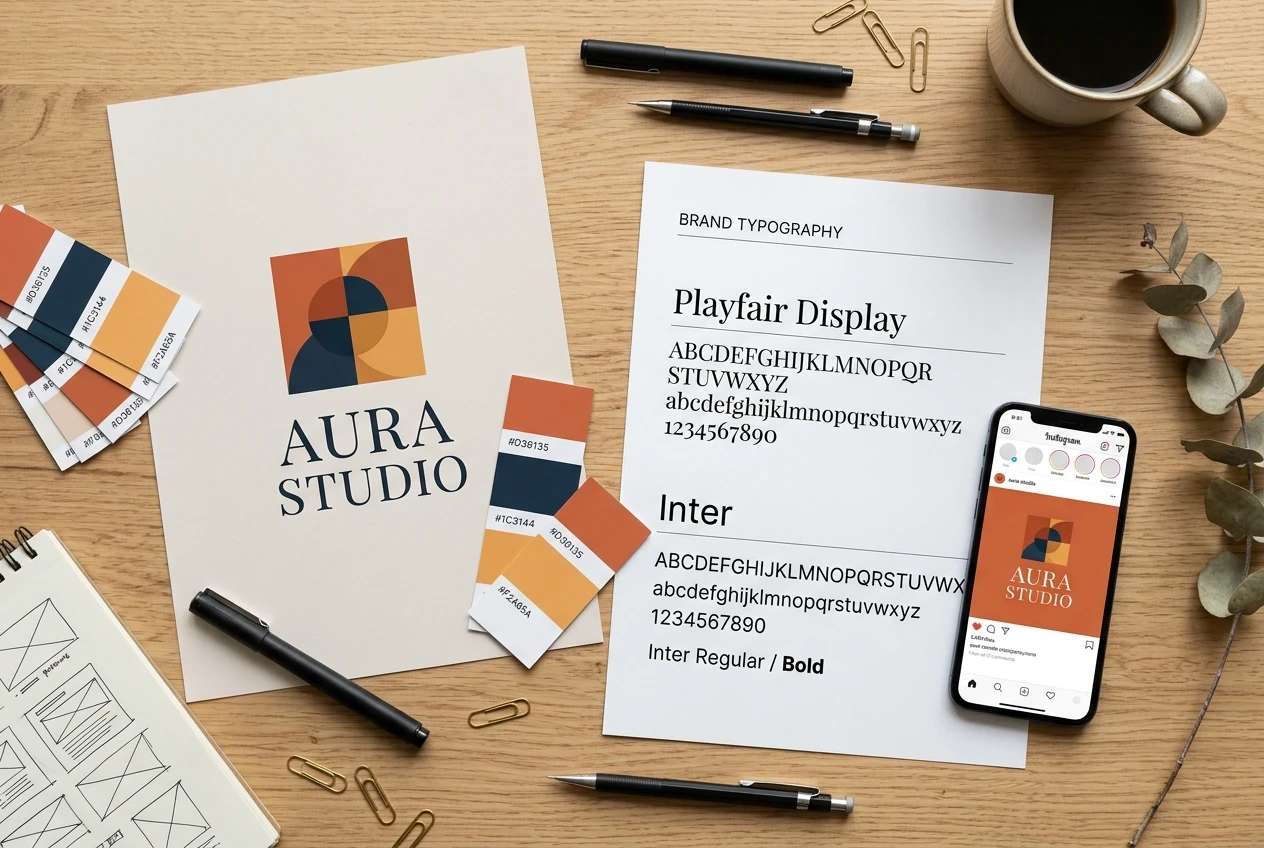
Pull the exact color codes from your logo (most design tools will show you the hex codes with one click) and use those same colors on your website buttons, your social banners, and any graphics you create going forward. Pick one or two fonts from your logo design and reuse them in your headlines and social posts. Then export a few sizes of your logo specifically for profile pictures, square for Instagram and Facebook, and a wider banner version for Twitter/X and LinkedIn headers.
This is also the moment to update every profile picture across every platform you use for your business. A blank gray avatar next to a polished logo on your website creates an inconsistency that undercuts the work you just did.
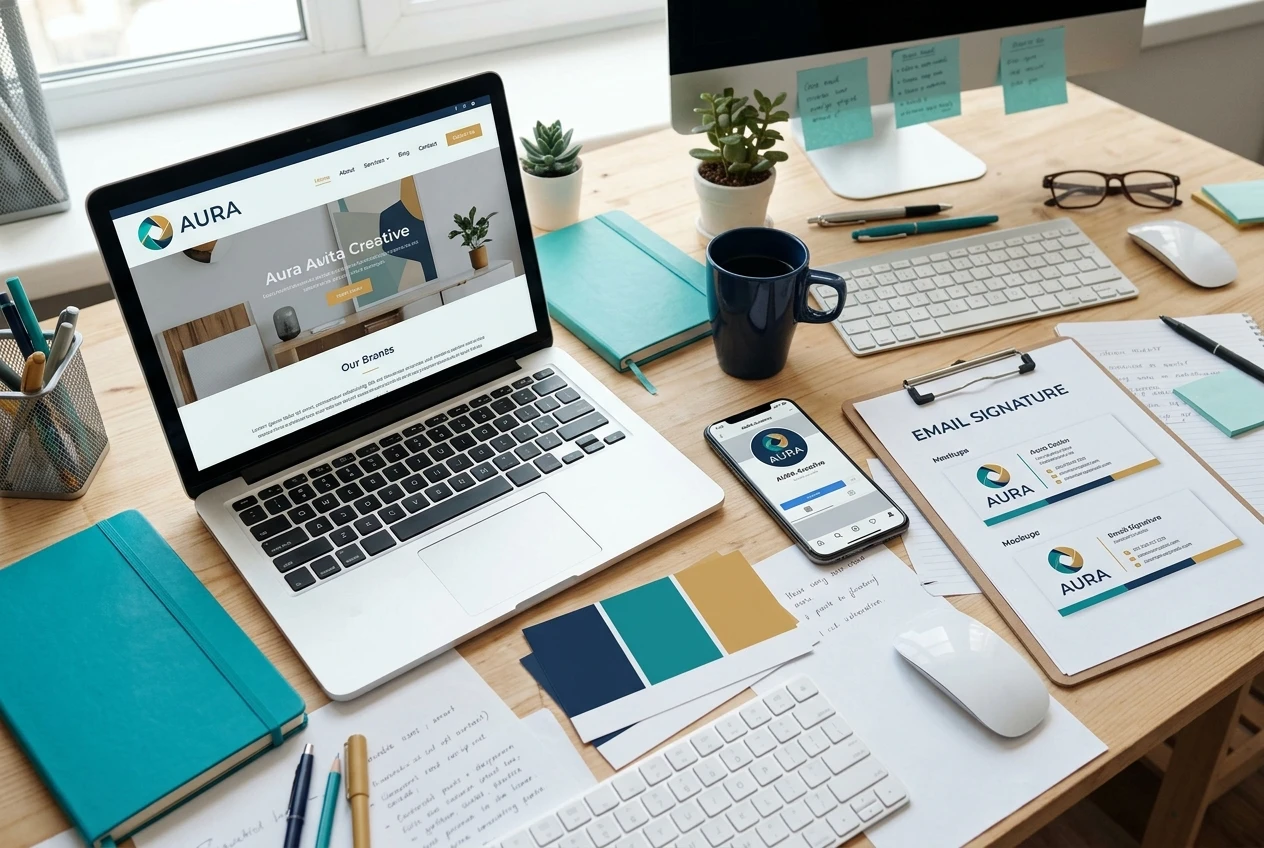
A finished logo sitting in a downloads folder does nothing for you. It needs to show up everywhere a potential buyer might encounter your brand.
Add it to your website header and favicon. Swap it in as your profile picture on every social account tied to your business. Put it on your email signature, your lead magnets, your checkout page if you have one, and any PDF or video thumbnail you create. Every one of those touchpoints is a chance to reinforce that you’re a real business, and consistency compounds: the fifth time someone sees your logo, it starts to feel familiar, and familiar feels trustworthy.
A professional logo is a signal, but it’s only the beginning of what a real brand needs underneath it: training, tools, and a proven path to turn that brand into actual income. Ready to turn that new logo into an actual income-producing business? Inside Wealthy Affiliate you get the training, tools, and support to build the brand behind it into a real online income, start your free walkthrough today.