You’ve probably heard the promise a hundred times: build a digital product once, and it sells while you sleep. Most of that advice stops the moment the product exists. A PDF sitting in a folder earns nothing. The “while you sleep” part comes from a small automated system wrapped around the product, and you can build that system as a complete beginner.
This guide covers the whole loop: one tight product, one page that sells it, automatic delivery, and an email follow-up for the people who aren’t ready on day one. If you’ve already tried other make-money-online programs and still have nothing to show for it, this is a different kind of project. It is small, finite and finishable. Let’s get you building.
Why “Sells While You Sleep” Is Real, and the Part Nobody Tells You About the Work Up Front
A digital product has no stock to count and nothing to ship. A buyer pays, a file is delivered by software, and you can be asleep, at your day job or on a walk while it happens. That part of the promise is true.
The part that usually goes unsaid is that every piece of the sale has to be set up before the first buyer arrives. Someone has to find the page, the page has to make the case for the product, the checkout has to work, and the file has to reach the buyer without you touching it. Each of those is a one-time job, and each one is small. Together they take real effort, spent in a few focused sessions up front.
That is the trade. You put in the hours once, and the system repeats the work for every visitor after that. If you skip the setup, you end up manually emailing files and chasing people, which is just a worse job.
The good news is that the product itself can be far smaller than you expect. You do not need a 40-lesson course. A single checklist, template or short guide that solves one specific problem is enough to run the whole loop, and you can finish it quickly.
How to Create a Digital Product to Sell Online
Here is the whole process in the order you will do it. The rest of this article takes each step in turn.
- Choose one narrow problem that a small digital product can solve.
- Check that people are searching for help with that problem.
- Build version one in the simplest format that gets the buyer a result.
- Set up one landing page, a checkout, and automatic delivery of the file.
- Add an email follow-up so visitors who don’t buy immediately get a second chance.
- Send steady traffic to the page.
- Ship, collect feedback, and improve the product.
Notice what is missing: a launch event, a huge audience, a video studio. A beginner with no following can complete this list. The skill involved is mostly finishing things in order, which is also why it suits someone who has started and abandoned other programs before.
Pick a Small Product That Solves One Painful Problem
Small products sell when the problem is specific and the buyer feels it right now. “Everything about online business” is not a problem. “I don’t know what to write in the first email to my new subscribers” is a problem, and a short template pack can solve it in an afternoon.
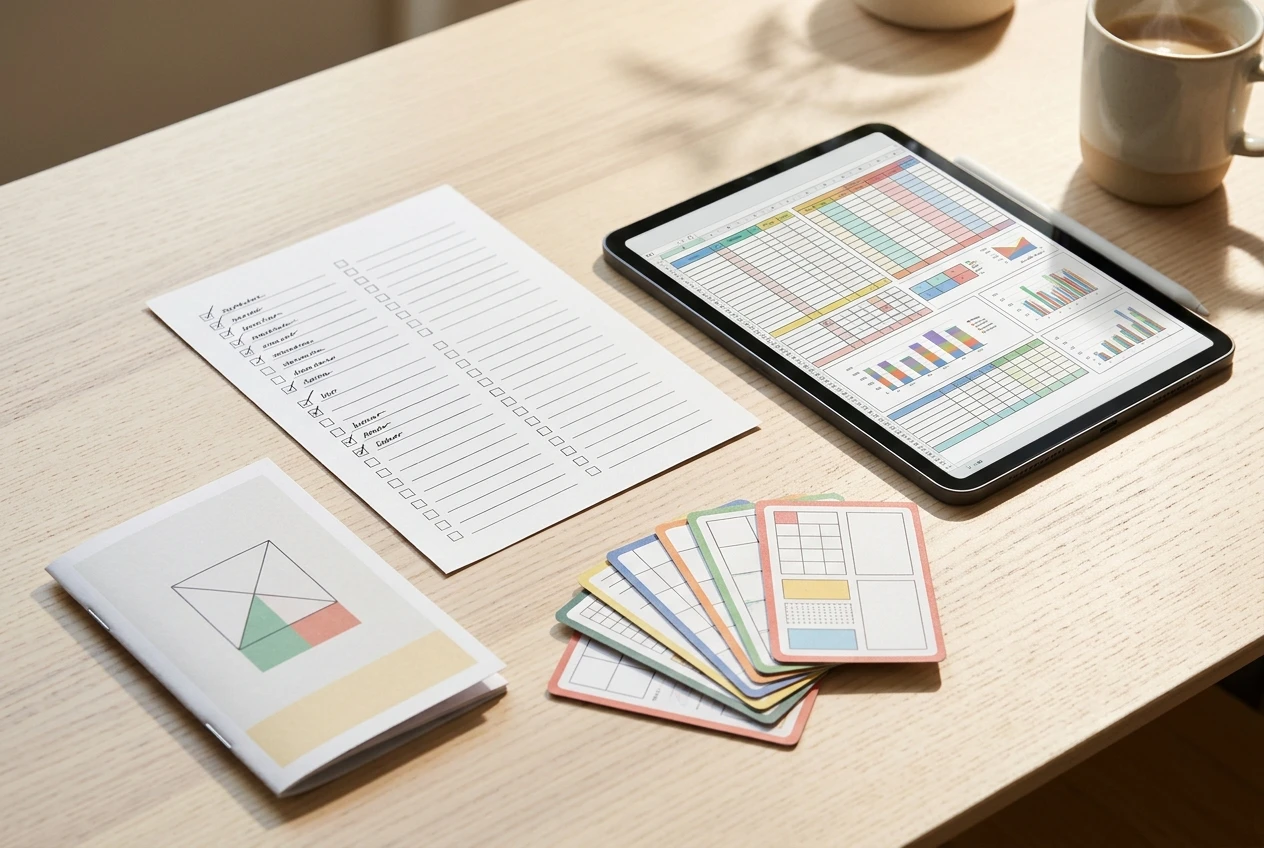
These formats work well for a first product because they are quick to build and quick for the buyer to use:
- Templates: fill-in-the-blank documents, spreadsheets or planners the buyer can copy and adapt.
- Checklists: an ordered list of actions for a task people tend to get wrong or forget parts of.
- Swipe files: a collection of proven examples, such as subject lines, post openers or outreach messages, the buyer can borrow from.
- Mini-guides: a short, focused walkthrough that takes a reader from a specific problem to a specific result.
To choose among them, start from the buyer’s problem, not from your favorite format. Ask what task people in your niche repeat often, dread, or do badly. Then ask which format removes that pain with the least reading. If the task is a sequence of actions, a checklist fits. If it involves producing a document from scratch, a template fits. If it needs explanation, a mini-guide fits.
Aim for a product that gets someone a visible win in under an hour. A buyer who finishes it and gets a result is the buyer who replies with feedback, recommends it, and buys your next product.
If you want to see how a larger product fits later, the member-site article on creating a digital course when you’re not an expert covers that path. Start smaller first. The small product gets you through the full sales loop with a lot less at stake.
Validate It With Real Search Demand Before You Build a Single Page
Building first and hoping later is how most abandoned products happen. Before you make anything, find evidence that people are already looking for what you plan to sell.
Search demand is the most practical evidence for a beginner. When someone types a phrase into a search engine, they have a problem and want it solved today. If people are searching for “social media content calendar template” or “client onboarding checklist,” they are telling you what they would take if it were offered to them.
Here is a simple way to check:
- Write down three to five phrases a buyer would type when looking for your product.
- Put them into a keyword research tool and look at whether people search for them and how competitive the results are.
- Search the phrases yourself and look at the results. If pages exist offering similar products, that is a good sign: it means there are buyers. If nothing at all exists, be careful, because that can mean nobody wants it.
- Read the questions that show up in search suggestions and “People also ask” boxes. Those are the exact worries your product page should answer.
You are looking for a phrase with real intent, one where the searcher wants a ready-made thing, such as a template or a checklist. Phrases with words like “template,” “checklist,” “examples” and “step by step” usually signal that.
This is the same habit that makes content work in general, and the article on planning content around what people actually search for walks through the method in detail. The product page you build later will be easier to write because you already know the words your buyers use.
Build the First Version Fast: The Simplest Format That Delivers a Win
Version one has one job: get a buyer from the problem to a result. It does not need to be beautiful, long or complete. It needs to work.
Pick the plainest format that can do that. A checklist can be a one-page document. A template can be a single file the buyer copies. A mini-guide can run to a handful of pages. Free tools can handle all of this, since word processors, spreadsheet apps and simple design tools can export clean PDFs and shareable files.

Follow this order when you build:
- Write the result in one sentence. For example: “After using this, you will have your first welcome email written and scheduled.” Everything in the product serves that sentence.
- List the minimum steps to reach that result. Cut anything the buyer does not need to get there.
- Draft it in one sitting. A rough complete draft beats a polished half-draft.
- Test it on yourself or one person. Walk through the product as the buyer would and note where it is confusing.
- Fix those spots, export the file, and stop.
The most common mistake is adding “just one more section” until a one-weekend product becomes a six-week project. Give version one a deadline, and when it arrives, treat it as done. You will improve it later with real feedback, which is much better information than your own guesses.
Set Up the Sales Loop: One Landing Page, Checkout and Automatic Delivery
This is where the product becomes something that sells without you. The loop has three parts, and each should be as simple as you can make it.

The landing page
One page, one product, one action. The page should say who the product is for, what problem it solves, what the buyer gets, and how to buy it. Keep the structure plain:
- A headline that names the result the buyer wants.
- A short description of the problem, in the words your keyword research turned up.
- A clear list of what is included.
- A preview or sample if you can offer one, such as a screenshot of a page from the checklist.
- A single button that leads to checkout.
Leave out menus, side links and anything else that sends a visitor away from the button. Extra choices lower the number of people who finish.
Checkout and automatic delivery
Use a checkout tool that takes payment and delivers the file by itself as soon as the payment clears. The buyer should receive the download link straight away, with no action from you. Set it up, then buy your own product once as a test so you see exactly what a customer sees. Check that the payment goes through, the file opens, and the confirmation message makes sense.
Do this test before you send a single visitor to the page. A broken download link is the one failure that loses a sale and a customer’s trust at once, and it is easy to catch.
Once the page, checkout and delivery all work, the sales loop is live. From here, a sale needs nobody at the keyboard.
Add an Email Follow-Up So a Visitor Who Isn’t Ready Today Can Still Buy Tomorrow
Most visitors will not buy the first time they see your page. They are reading on a phone, getting interrupted, or still deciding. If you have no way to reach them again, they are gone.
An email follow-up fixes that. Offer something small and free on the page or beside it, such as a sample page from the checklist or a short tip sheet, in exchange for an email address. Then a short automated sequence takes over:
- Email one, sent straight away: deliver the free item and say what the full product adds.
- Email two, a day or two later: share one useful tip related to the problem, then point to the product.
- Email three, a few days after that: answer the most common hesitation, such as “will this work for my situation?”, and link to the page again.
Each email should be short and useful on its own. The sequence runs on a schedule you set once, so the person who signed up at 2 a.m. gets the same follow-up as someone who signed up at noon.
If you haven’t built a list before, the guide to building your first email list for free shows how to get started quickly. This is also the piece that lets one product keep earning: every person on your list can hear about your next product the day it is ready.
Send Traffic to It Consistently, Because a Product Nobody Sees Can’t Sell While You Sleep
A finished loop with no visitors produces no sales. Traffic is the input that keeps everything else running, so it needs a regular place in your week.
For a beginner, search traffic is a strong fit because it matches how you validated the product. Publish helpful articles on your website that answer the questions your buyers search for, and link naturally to your product page where it solves the problem the article describes. Each article can keep bringing in readers for as long as it stays relevant.
A workable routine looks like this:
- Publish content on a regular schedule, aimed at the phrases you researched.
- Link each relevant article to the product page and to your email sign-up.
- Check which articles bring visitors, and write more around the topics that work.
Consistency matters more than volume. A steady rhythm of useful posts builds visibility over time, and the product page collects the benefit from every one of them.
Your Next Move: Ship Version One, Then Improve It From Real Buyer Feedback
Your first version will have gaps. That is expected, and it is why shipping beats polishing. A real buyer will show you what a hundred hours of private editing would never reveal: which step confused them, which section they loved, what they wished was included.
After your first sales, ask buyers one or two direct questions by email. What result did you get? What was missing? Then use the answers to update the product, tighten the page copy, and decide what to build next. Often the best second product is the thing several buyers asked for.
Here is the order to follow from today:
- Choose your one problem and confirm the search demand.
- Build version one in a weekend.
- Set up the page, checkout and delivery, and test the purchase yourself.
- Add the three-email follow-up.
- Publish content that points to the page, every week.
That is a complete business loop, and it is small enough to finish. Get fired up, because most people never get past the planning stage, and you are about to.
Frequently Asked Questions
How do I create a digital product to sell online if I have no audience?
Start with search demand instead of followers. Choose a problem people are already searching for, build a small product around it, and publish content on your website that ranks for those searches. Visitors arrive through search, so you don’t need a following first. The email follow-up then helps you turn those visitors into a list you own.
What is the easiest digital product to start with?
A checklist or a template is usually the quickest, because it is short and gives the buyer an immediate result. Pick the format that fits the task your buyer is trying to complete, and keep the first version to one clear outcome.
How long should it take to build the first version?
Aim to finish version one within a weekend. If it is taking much longer, the product is probably trying to solve too many problems. Cut it back to one result and ship that.
Do I need a website to sell a digital product?
You need a page where people can learn about the product and buy it. A website gives you the most control, and it also lets you publish the content that brings in search traffic. That combination is what keeps visitors arriving week after week.
Is a small product worth the effort compared to a full course?
A small product lets you complete the entire sales loop quickly: page, checkout, delivery, email and traffic. Those skills carry over to anything bigger you build later. Many people find the small product is the one they finish, and finishing is what produces the first sale.
What if nobody buys it?
Check the pieces in order: Is the page getting visitors? Are visitors clicking the buy button? Are buyers completing checkout? Each answer points to a different fix, whether that is more traffic, clearer page copy or a simpler checkout. Adjust one thing at a time so you can see what changed the result.
Ready to Build Your Sales Loop?
You don’t have to piece this together from scattered tutorials. Get started with Wealthy Affiliate and you’ll have the training, the website and the traffic tools to build the sales loop around your first digital product, all in one place. And if you’d like the guided version, with someone walking you through it, my own course is there for you.